Blog
cubic Launch Week recap
cubic Launch Week: 5 days, 5 announcements, 1 complete rebuild
Paul Sanglé-Ferrière
This week we launched cubic 2.0, the biggest update since we started.
Five days. Five announcements. Here's everything that shipped.
Day 1: cubic 2.0
We completely rebuilt the AI review engine.
The results:
3x more actionable: 60% of comments now get addressed, up from 20%
2x faster: median review time was halved
40% better signal: upvote ratio went from 1.05 to 1.47
We also ran cubic against other AI code reviewers on repos using both. cubic flags 50% more unique issues that users actually fix.
Read the full post → https://www.cubic.dev/blog/cubic-2.0
Day 2: Incremental PR Checks
PRs change after they're opened. Now cubic keeps up.
When you push new commits to an open PR, cubic:
Reviews only what changed since the last push
Updates the PR description if the intent changed
Stays quiet if there's nothing new to flag
No noise. Just a green check when everything's fine.
Read the full post → https://www.cubic.dev/blog/prs-keep-changing.-now-cubic-keeps-up
Day 3: AI Wiki Auto-Refresh + MCP Support
Documentation goes stale. Now it doesn't have to.
Auto-refresh: Set your wiki to regenerate weekly or monthly. It stays in sync with your code automatically.
MCP support: Claude Code, Cursor, Windsurf, and any MCP-compatible tool can now query your wiki directly. Your AI coding assistant gets accurate, up-to-date context without you copy-pasting anything.
Read the full post → https://www.cubic.dev/blog/ai-wiki-and-mcp-support-for-code-review
Day 4: cubic.yaml
Your AI review settings should be version-controlled.
cubic.yaml is a single config file at your repo root that controls how cubic reviews your code. It's reviewable, consistent across your team, and comes with IDE validation for VS Code, Cursor, and JetBrains.
If you already configured cubic in the UI, you can download your settings as YAML with one click.
Read the full post → https://www.cubic.dev/blog/yaml-config
Day 5: cubic CLI
Catch issues before you push.
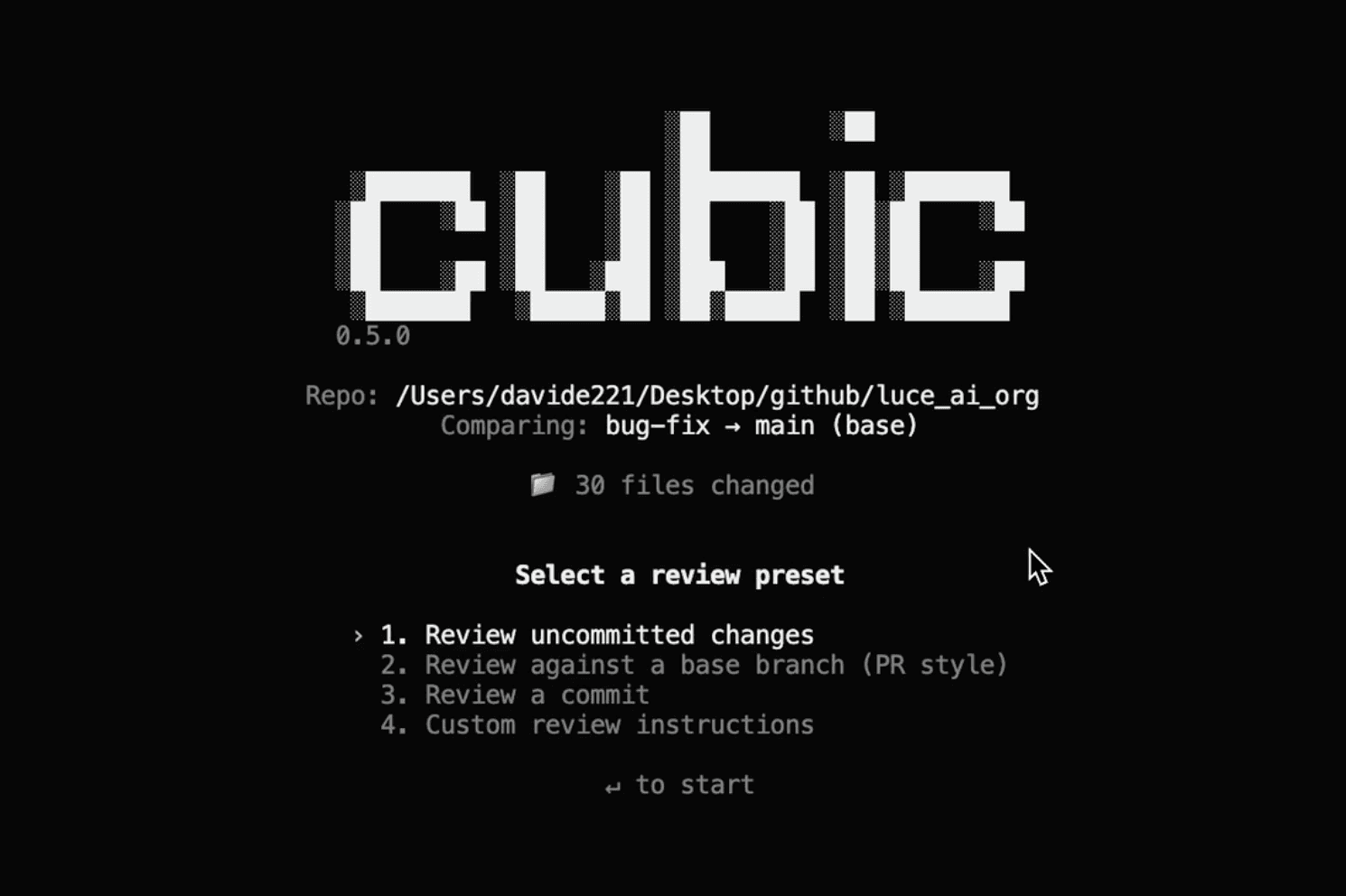
The CLI runs a lightweight version of cubic's review on your local changes. For each issue, it generates a fix prompt you can paste into Cursor, Copilot, or whatever you use.
Install with npm i -g @cubic-dev-ai/cli and run cubic review.
Read the full post → https://www.cubic.dev/blog/new-cubic-cli
What's next
This week was about making cubic faster, smarter, and more useful wherever you work—in GitHub, in your IDE, in your terminal.
We're not slowing down. More updates coming soon.
If you haven't tried cubic yet, now's a good time to start.
Get started with cubic → https://www.cubic.dev/sign-up
Thank you
To everyone who's been using cubic, giving feedback, and helping us make it better: thank you. This launch week was built on what you told us you needed.
See you in the PRs.
The cubic team