Blog
The complete code review checklist
A 15-point code review checklist covering logic, edge cases, security, tests, performance, APIs, and architecture, with examples for every pull request.
Alex Mercer
Code reviews catch bugs, improve quality, and spread knowledge across teams. But inconsistent reviews create gaps where issues slip through.
One reviewer focuses on style. Another checks only logic. A third reviewer rushes through because they have five more PRs waiting. The result? Critical issues often make it to production because they are not systematically checked.
A code review checklist ensures every PR gets evaluated against the same standards, regardless of who's reviewing or how busy they are. This guide covers the 15 essential items that matter most for code quality, with practical examples of what to look for. For the mechanics of commenting, suggesting changes and approving on GitHub, see our guide to reviewing a pull request on GitHub.
Why do you need a code review checklist?
Code review effectiveness drops as reviewers get tired. The first PR of the day gets thorough attention. The fifth PR gets a quick scan. By the tenth PR, reviewers approve changes they would have questioned earlier.
Research on code review patterns shows that review quality decreases significantly after the third consecutive review session. Attention to detail drops, pattern recognition weakens, and subtle bugs get missed.
A checklist solves this by:
Ensuring consistent coverage across all reviews.
Catching issues that are easy to overlook when rushed.
Providing clear standards for both reviewers and authors.
Reducing back-and-forth from missed items.
Research indicates that code reviews conducted during development can reduce the number of bugs by approximately 36%, with the use of structured checklists improving consistency across all reviews.
The 15 must-check items for every code review
1. Does the code do what it's supposed to do?
Start with functionality. Read the PR description and acceptance criteria, then verify the code actually implements what was requested.
What to check:
Does the implementation match the requirements?
Are all acceptance criteria met?
Does the code handle the stated use cases?
Red flags: Code that partially implements features, solutions that work around the real problem, or implementations that don't match the original request.
2. Are there any obvious logic errors?
Logic bugs are expensive. They pass tests but produce incorrect results under specific conditions.
What to check:
Off-by-one errors in loops.
Incorrect comparison operators (using > instead of >=).
Wrong order of operations.
Flawed conditional logic.
Red flags: Complex nested conditionals, mathematical operations without comments explaining the logic, or conditions that could never be true.
3. Are edge cases handled properly?
Edge cases are where most bugs hide. Empty arrays, null values, boundary conditions, and unexpected inputs cause production failures.
What to check:
What happens with empty input?
What happens with maximum/minimum values?
What if a required field is null?
What if the array has only one element?
Red flags: Functions that assume input is always valid, loops that don't handle empty collections, or calculations that could divide by zero.
4. Is error handling complete?
Production systems fail in unexpected ways. Network timeouts, database errors, external API failures, and resource exhaustion all need handling.
What to check:
Are exceptions caught appropriately?
Do error messages help with debugging?
Are resources cleaned up even when errors occur?
Does the code fail gracefully?
Red flags: Empty catch blocks, generic error messages like "Error occurred", or code that crashes when external dependencies fail.
5. Are there security vulnerabilities?
Security issues in code reviews often go unnoticed until production incidents occur. Secure code reviews require specific attention to common vulnerability patterns.
What to check:
Is user input validated and sanitized?
Are SQL queries protected from injection?
Are authentication and authorization checked?
Is sensitive data encrypted?
Are secrets hardcoded in the code?
Red flags: String concatenation in SQL queries, user input directly rendered in templates, passwords or API keys in source code, or missing authentication checks on sensitive endpoints.
6. Are there performance issues?
Performance problems often don't appear until production scale. N+1 queries, inefficient algorithms, and memory leaks cause slowdowns under load.
What to check:
Are there N+1 database queries?
Are loops efficient for the data size?
Is memory usage reasonable?
Are there unnecessary API calls?
Red flags: Queries inside loops, loading entire datasets into memory, or algorithms with exponential time complexity.
7. Is the code readable and maintainable?
Code gets read far more often than it gets written. Readability determines how quickly future developers understand and modify the code.
What to check during code review:
Is the code organized logically?
Are functions reasonably sized?
Is the logic easy to follow?
Would someone unfamiliar with the code understand it?
Red flags: Functions longer than 50 lines, deeply nested conditionals, or logic that requires extensive comments to understand.
8. Are naming conventions clear?
Variable and function names should explain their purpose without needing comments.
What to check:
Do names accurately describe what they represent?
Are naming patterns consistent with the codebase?
Are abbreviations avoided or well-known?
Red flags: Single-letter variables (except loop counters), ambiguous names like "data" or "temp", or inconsistent naming styles.
9. Is there unnecessary code duplication?
Duplicated code creates a maintenance burden. Bugs need fixing in multiple places, and changes require updates across files.
What to check:
Is similar logic repeated in multiple places?
Could common functionality be extracted?
Are there copy-pasted code blocks?
Red flags: Nearly identical functions with minor variations, repeated validation logic, or the same calculation appearing in multiple files.
10. Is test coverage adequate?
Code without tests is code that breaks in production. Test coverage ensures changes don't introduce regressions.
What to check:
Are new features covered by tests?
Do tests cover edge cases?
Are error conditions tested?
Do tests actually validate behavior?
Red flags: No tests for new functionality, tests that only check happy paths, or tests that don't assert meaningful behavior.
11. Is documentation sufficient?
Complex logic needs explanation. Future maintainers should understand why decisions were made, not just what the code does.
What to check:
Are complex algorithms explained?
Is the purpose of functions documented?
Are configuration options described?
Are assumptions documented?
Red flags: No comments on complex logic, undocumented configuration values, or missing explanations for non-obvious decisions.
12. Are dependencies managed properly?
Adding dependencies increases security risk and maintenance burden. Every new package needs justification.
What to check:
Is this dependency necessary?
Is it actively maintained?
Are there known security vulnerabilities?
Is the license compatible?
Red flags: Outdated packages with known vulnerabilities, unmaintained libraries, or dependencies for functionality that could be written in a few lines.
13. Are database changes backwards compatible?
Database changes can break production systems if not handled carefully. Schema changes need migration strategies.
What to check:
Can the migration run without downtime?
Is there a rollback plan?
Are existing queries still compatible?
Is the data preserved correctly?
Red flags: Dropping columns that might still be in use, schema changes without migration scripts, or modifications that could cause data loss.
14. Are API changes backwards compatible?
Breaking API changes affect consumers. Changes need versioning strategies or compatibility layers.
What to check:
Will existing clients still work?
Are new required fields added to requests?
Have response formats changed?
Is the change documented?
Red flags: Removing fields from responses, adding required parameters, or changing data types without versioning.
15. Does this change align with the architecture?
Individual changes can be correct but architecturally wrong. Code reviews should evaluate whether changes fit the system design.
What to check:
Does this follow established patterns?
Is this the right layer for this logic?
Does this create new coupling?
Are boundaries respected?
Red flags: Business logic in controllers, database queries in templates, or cross-cutting concerns not properly abstracted.
How AI code review tools help with checklists
Manual checklist reviews are thorough but slow. Reviewing all 15 items across multiple files takes time - and human attention can waver..
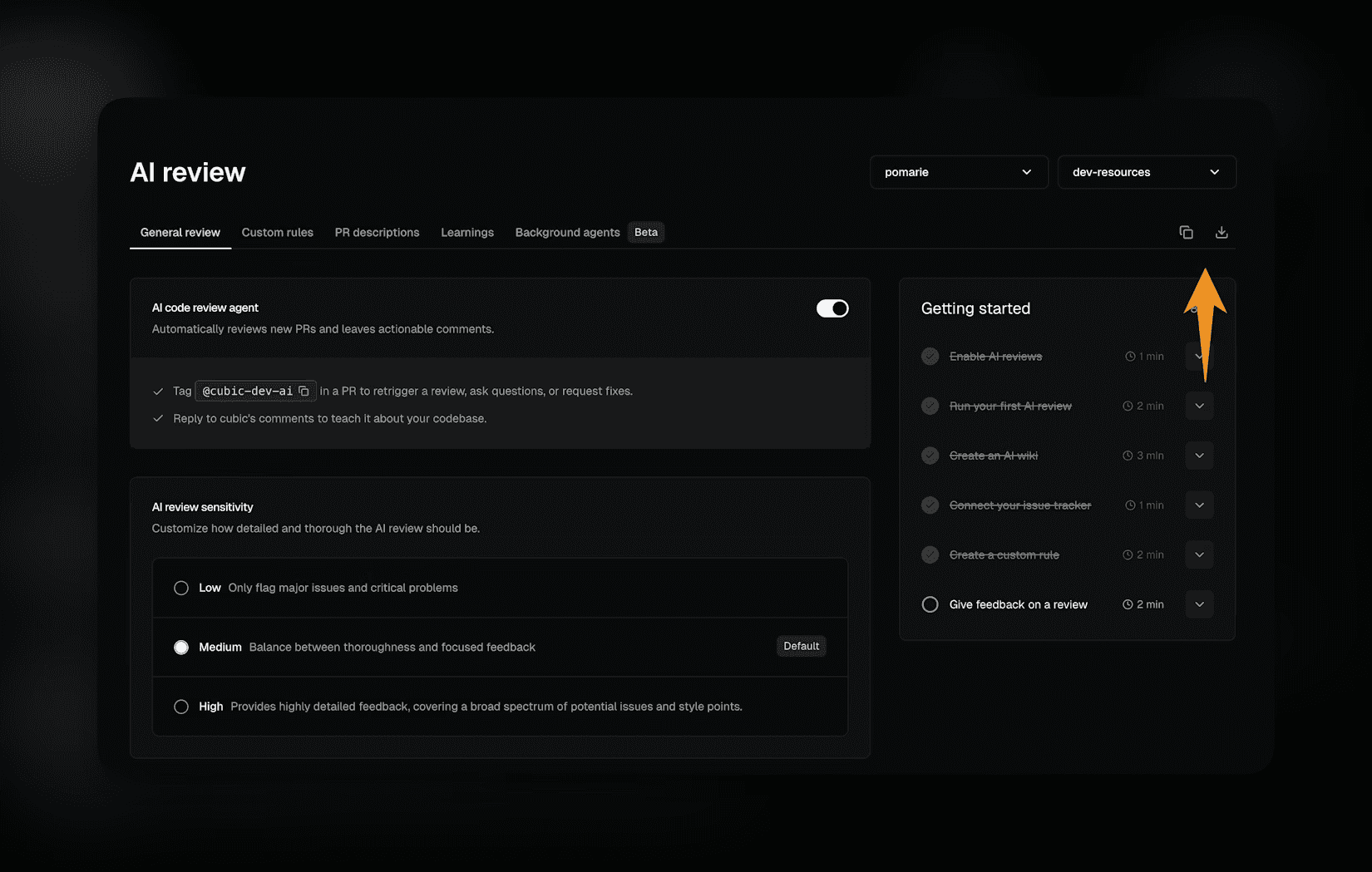
AI code review platforms automate checklist enforcement while maintaining consistency across all PRs. Tools like cubic analyze code against comprehensive quality standards in seconds.
What AI catches better than humans:
Pattern recognition across the entire repository.
Consistent attention to every item on every PR.
Cross-file analysis that humans miss when reviewing diffs.
Security vulnerabilities from large vulnerability databases.
Performance patterns that require analyzing multiple components.
AI code reviews vs manual review comparisons show that automated tools catch 85%+ of checklist items reliably, while human reviewers catch 60-70%, depending on their workload and attention level.
The optimal approach combines both. AI handles systematic checklist validation, freeing human reviewers to focus on architectural decisions, business logic validation, and knowledge transfer.
Making code review checklists work for your team
Effective code review checklists need customization for your stack and standards. Start with these 15 items, then adapt based on what causes production issues in your system.
Implementation tips:
Start small: Introduce the checklist gradually rather than enforcing all items immediately.
Customize for your stack: Add items specific to your technologies and remove items that don't apply.
Review the checklist itself: Update it based on production incidents and team feedback.
Use automation where possible: Let tools handle mechanical checks so reviewers focus on complex items.
Measure impact: Track how many production bugs the checklist prevents over time.
Teams that systematically apply code review checklists ship higher quality code while maintaining development velocity. As code review has evolved, the combination of human judgment and AI-powered checklist validation creates the most reliable quality process.
Building better code review habits
Code review checklists transform ad-hoc reviews into systematic quality gates. They ensure critical items get checked regardless of reviewer workload or experience level.
The 15 items in this checklist cover the areas where most production bugs originate. Functionality, logic, edge cases, security, performance, and architectural fit all need evaluation before code reaches users.
Manual checklist reviews work but require discipline and time. AI code review tools automate the mechanical aspects while maintaining consistent coverage. The result is faster reviews that catch more issues.
Speed vs quality in code doesn't require a tradeoff when systematic checklists and AI assistance combine. Teams ship faster while improving quality because automation handles what humans find tedious, and humans focus on what machines can't evaluate.
Ready to automate your code review checklist? Try cubic for free and see how AI handles systematic code quality checks in seconds, not hours.